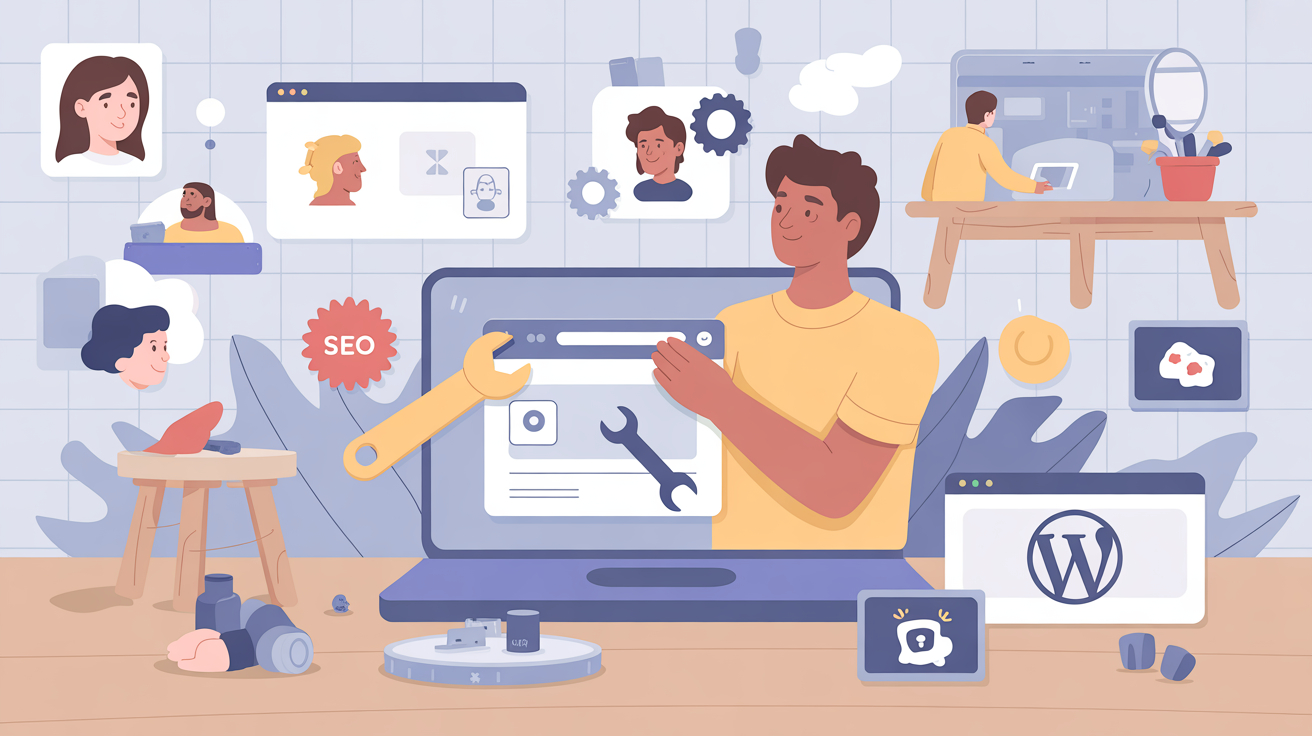
Building a WordPress site is exciting, but the platform’s flexibility can also lead to missteps. As a WordPress developer, I’ve seen the same common WordPress mistakes repeated by new site owners – mistakes that hurt usability, performance and search visibility. Thankfully, most issues are easy to fix once you know what to look for. In this guide I’ll explain the ten biggest WordPress mistakes I encounter and offer practical tips to avoid them. This isn’t meant to shame beginners; rather it’s an opportunity to learn best practices and improve your website.
1. Sticking With Default Settings
Many new site owners leave the default tagline (“Just another WordPress site”) or the default “Uncategorized” category untouched. According to Bluchic’s beginner‑focused advice, leaving a generic tagline risks search engines indexing your site with a generic description. Likewise, failing to rename the “Uncategorized” category makes your blog look unprofessional. Fixing these WordPress mistakes takes seconds: change your site tagline to reflect your brand, rename the uncategorized category and assign posts appropriately.
2. Using the Default “admin” Username
Security should be a priority from day one. Using “admin” as your username is a huge security risk because hackers often guess this default name. To avoid brute‑force attacks, create a new administrator account with a unique username and strong password, then delete the default admin user. This simple change can protect your site from countless automated attacks.
3. Ignoring Permalink Structure
WordPress can generate URLs using post IDs (e.g., ?p=123), but those links aren’t user friendly or SEO‑friendly. Bluchic notes that customizing permalinks is crucial for search visibility. Go to Settings → Permalinks and choose the “Post name” option. A clean structure like https://yourdomain.com/sample-post/ describes your content clearly and encourages higher click‑through rates. Don’t wait until your site has hundreds of posts – changing later can cause broken links.
4. Neglecting Regular Updates
Failure to update WordPress core, themes and plugins is one of the most common WordPress mistakes. Outdated software exposes your site to vulnerabilities. Always update when new versions are released. Use a staging environment to test major updates before applying them to your live site. Tools like WP Rocket or WP-CLI (see my tools section later) can help automate updates and ensure your site remains secure.
5. Installing Too Many Plugins
WordPress offers thousands of plugins, but adding too many slows down your site and increases security risks. Each plugin introduces code that may conflict with others or create vulnerabilities. Limit plugins to essentials – use a single SEO plugin such as AIOSEO or Yoast, one security plugin, one backup plugin and one caching plugin. Remove unused plugins promptly and choose reputable, well‑maintained options.
6. Skipping Backups
A site can break due to a plugin conflict, a hacking attempt or even a human error. Without backups, you may lose data permanently. The SeedProd launch checklist emphasises installing a backup solution before going live and recommends cloud‑based storage such as Google Drive or Amazon S3. Plugins like UpdraftPlus or Duplicator automatically schedule backups and make restoration simple. Test your backups occasionally to ensure they work.
7. Forgetting About Security
Websites face frequent attacks – SiteLock reports that sites experience around 94 attacks a day and 2,608 bot visits per week. Yet many new site owners skip security plugins. Install a firewall plugin like Sucuri or Wordfence early in the development process, enable two‑factor authentication and limit login attempts. Keep themes and plugins updated to patch known vulnerabilities.
8. Neglecting SEO Basics
Search engines need signals to understand your content. AIOSEO’s guide explains that SEO involves crawling, indexing and ranking, and that on‑page optimization – using keywords in titles, headings and meta descriptions – helps improve rankings. Set descriptive titles and meta descriptions for every post, use structured heading tags (H1, H2, etc.), and add alt text to images. Installing an SEO plugin like AIOSEO or Rank Math provides checklists and suggestions for optimization.
9. Using Bloated Themes
Selecting a theme purely for its flashy design can hurt performance. Pre‑built themes often include multiple bundled plugins and unnecessary features that slow down loading. A slow website leads to user frustration and lower rankings. Instead, choose a lightweight theme or invest in a custom theme tailored to your needs. When in doubt, use the default WordPress theme (e.g., Twenty Twenty‑Four) as a starting point.
10. Ignoring Mobile Responsiveness
More than half of web traffic now comes from mobile devices. An unresponsive design frustrates users and increases bounce rates. When customizing your theme, test pages across different screen sizes. Tools like Google Chrome’s Screen Resolution Tester or BrowserStack help you preview your site on various devices. Many page builders like SeedProd or Elementor have built‑in responsive controls to fine‑tune layouts on mobile.
Conclusion
Avoiding these WordPress mistakes will save you headaches and help your site run smoothly. Change the default settings, update regularly, back up your site, invest in security and learn basic SEO. Remember, even experienced developers make mistakes; what counts is identifying them and applying the fix. By following these tips you’ll build a stronger foundation for your WordPress site and ensure your visitors have a positive experience.