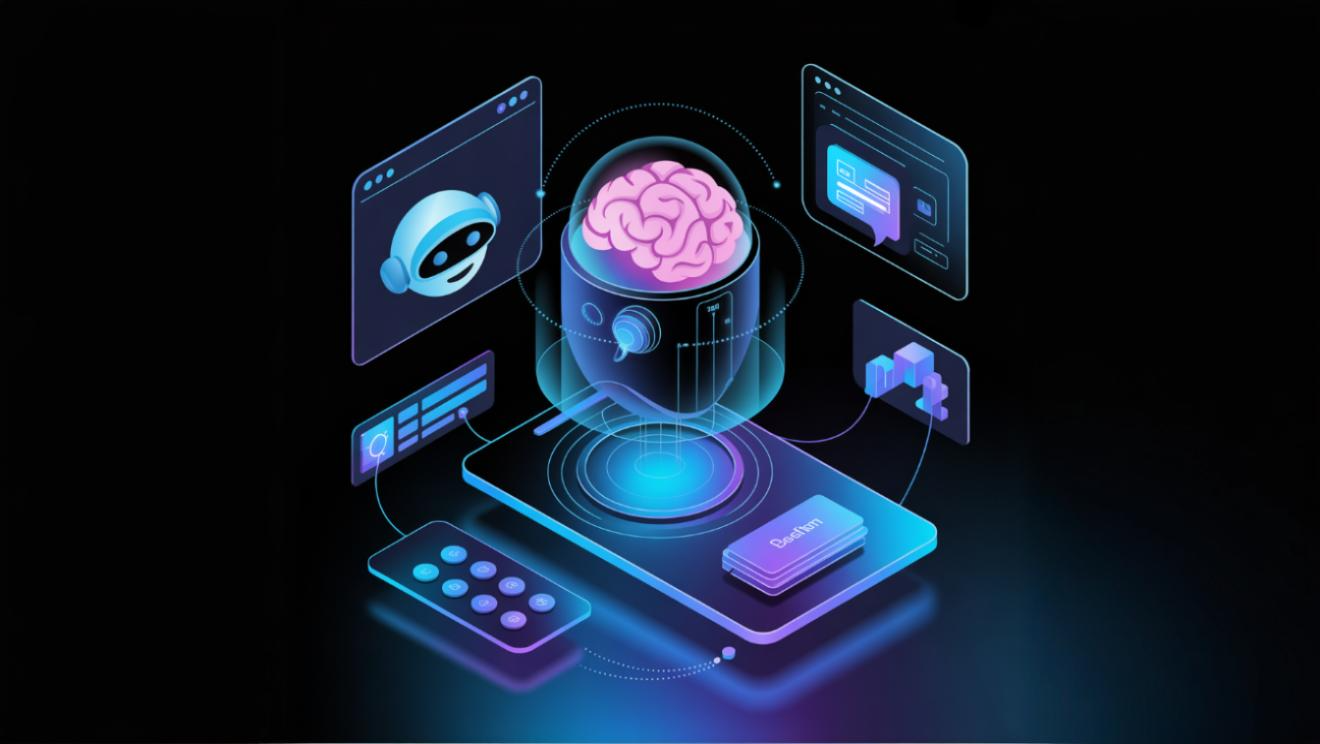
In 2026, AI-ready websites will dominate the digital world. Learn how WordPress AI integration and AI chatbots for WordPress can improve engagement, SEO, and real-time personalization using schema markup and AI search optimization.
Why AI Matters for Websites in 2026
In 2026, websites aren’t just static- they’re AI-ready websites built to communicate with smart engines and users. Through WordPress AI integration, you can enable AI chatbots for WordPress and use schema markup to help search engines understand your content better.
AI Search & Generative Engine Optimization
Traditional SEO aims to rank pages in search results. AI search goes further: voice assistants and generative engines like ChatGPT answer user questions directly, synthesizing information from multiple sources. To appear in these responses, your content must be authoritative, well‑structured and current. This is known as Generative Engine Optimization (GEO).
Chatbots & AI‑Powered Interactions
AI chatbots can answer visitor questions, guide users through your site, and collect leads. Platforms like WP‑Chatbot or ChatGPT API can be integrated into WordPress. Chatbots free you from repetitive support queries and provide 24/7 assistance. When implementing, ensure they align with your brand voice and direct users to contact forms or landing pages when needed.
Schema Markup & Structured Data
AI engines rely on structured data to interpret your content. Use FAQ, Article and Product schema from schema.org to help AI understand and categorize your pages. WordPress plugins like Yoast SEO or Rank Math simplify adding schema. Prioritize:
- FAQ Schema for pages that answer common questions – AI engines use the Q&A format to generate answers.
- Article Schema for blog posts – improves chances of being cited in AI summaries.
- Organization Schema to share business details and social profiles.
Personalization & Recommendations
AI‑driven personalization tailors content based on user behavior. The web‑development trends report notes that websites adapt layouts, calls‑to‑action and offers based on user behavior, while predictive AI anticipates what a visitor needs. Tools like Optimizely or Adobe Target integrate with WordPress to deliver dynamic experiences. Start with simple personalization such as showing returning visitors a different banner or recommending blog posts based on their previous reads.
Implementation Checklist
- Audit your content – ensure pages are comprehensive, fact‑based and written in a conversational tone. Keep information current; AI engines favor updated content.
- Add schema markup – use plugins to implement FAQ and Article schema. Test using Google’s Rich Results Test.
- Deploy a chatbot – select a platform (ChatGPT, Tidio, Drift) and integrate with WordPress. Train it on FAQs and brand messaging.
- Set up personalization – use plugins or third‑party tools to deliver dynamic content. Start with location‑based offers and build toward predictive recommendations.
- Monitor performance – track AI traffic sources, voice search queries and user engagement. Adjust strategies based on data.
Conclusion
AI is reshaping how users find and interact with websites. By integrating chatbots, structured data, and personalization, your WordPress site can thrive in an AI‑dominated landscape. Start preparing now to stay ahead of competitors and deliver the seamless experiences users expect.